SYSVOL replication is one of the critical components for the proper functioning of Active Directory environments. Incorrectly configured or outdated replication mechanisms can lead to serious issues such as the improper deployment of Group Policy objects, login scripts failing to run, and inconsistencies across the domain.
Historically, SYSVOL replication has been implemented through two different mechanisms: the older, now-deprecated FRS (File Replication Service) and the modern standard DFSR (Distributed File System Replication). Although DFSR has been adopted as the default mechanism in Windows Server 2008 and later, upgrades in legacy environments have resulted in some domain controllers still operating on FRS.
Checking the SYSVOL replication mechanism using PowerShell provides administrators with the ability to quickly and reliably determine which replication method their Active Directory environment is using. This approach provides significant convenience, particularly during security assessments, hardening projects, and Active Directory migrations.
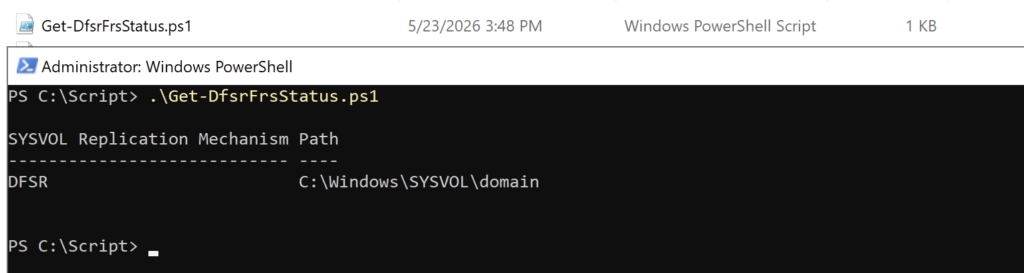
In this article, we will discuss a PowerShell script that queries Active Directory to determine the SYSVOL replication type—whether DFSR or FRS is being used.
The Get-DfsrFrsStatus.ps1 PowerShell script checks DFSR/FRS settings on Windows Server